
Parts, geometry and meshing
A model is made of parts: each a piece of the structure, with its own nodes and elements. A beam, a plate, a column, a bolt: each is a part. Parts are joined to each other by interfaces, not by sharing nodes (see Supports, releases and joints), so each can be meshed on its own, as finely as it needs.
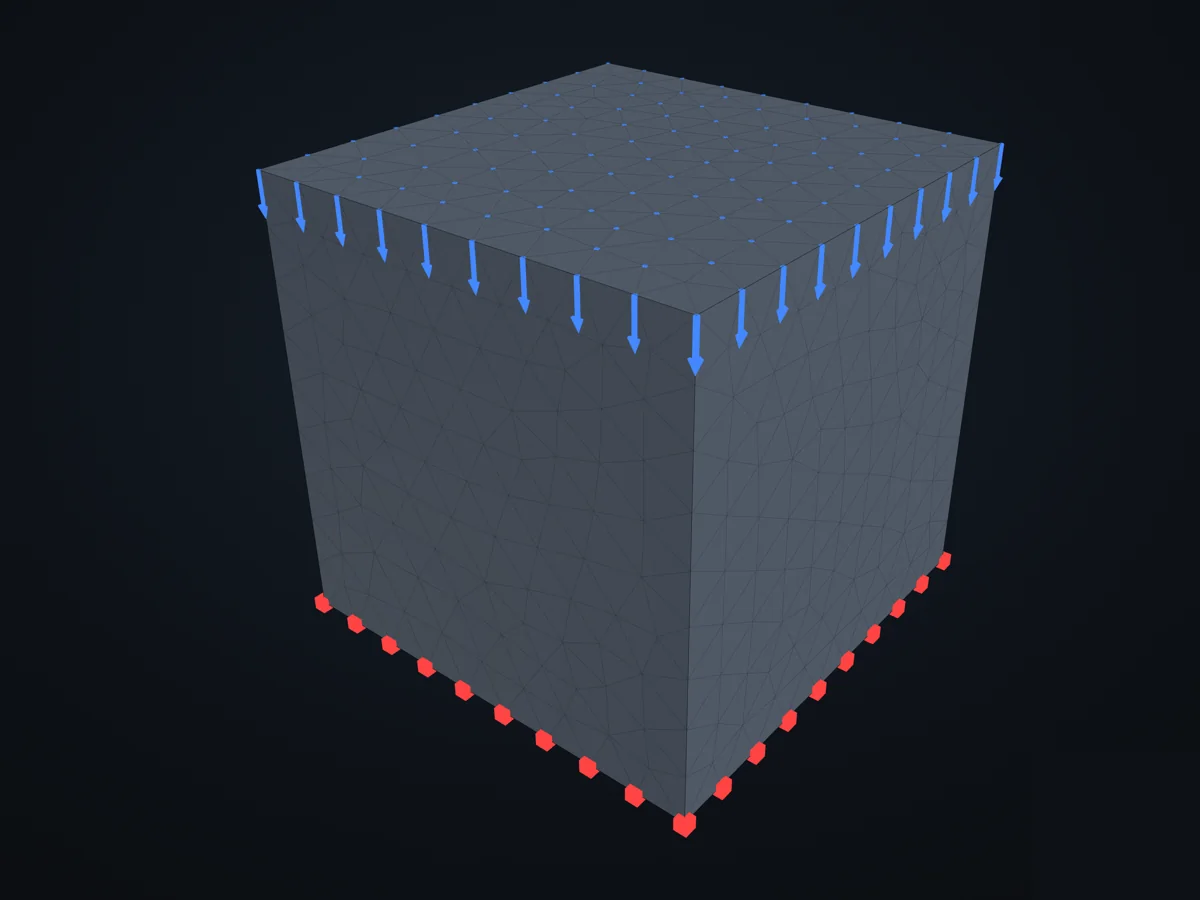
A solid meshed from geometry: the box comes from a STEP file, the tetrahedra from Gmsh.
Three ways to get nodes and elements
Section titled “Three ways to get nodes and elements”Mesh a part’s geometry. Give the part a base geometry, then mesh it with a section: every element made gets that section.
part = model.add_part(Part(name="plate"))part.base_geometry = Mesh.from_meshgrid(1000, 10, 300, 3) # a surfacepart.mesh(settings=MeshingSettings(divisions=1), section=ShellSection(t=10, material=steel)) # the grid's quads, keptThe geometry says what is meshed: a Line or Polyline gives beams, a surface (Mesh, or a planar STEP face)
shells or membranes, a STEP solid tetrahedra. MeshingSettings gives the element sizes (min, max) and their
order: element_order=2 for quadratic elements, which solids need (linear tetrahedra are far too stiff in
bending). For a surface mesh or lines, divisions keeps the faces you gave, each cut into divisions x
divisions elements, instead of meshing the surface again.
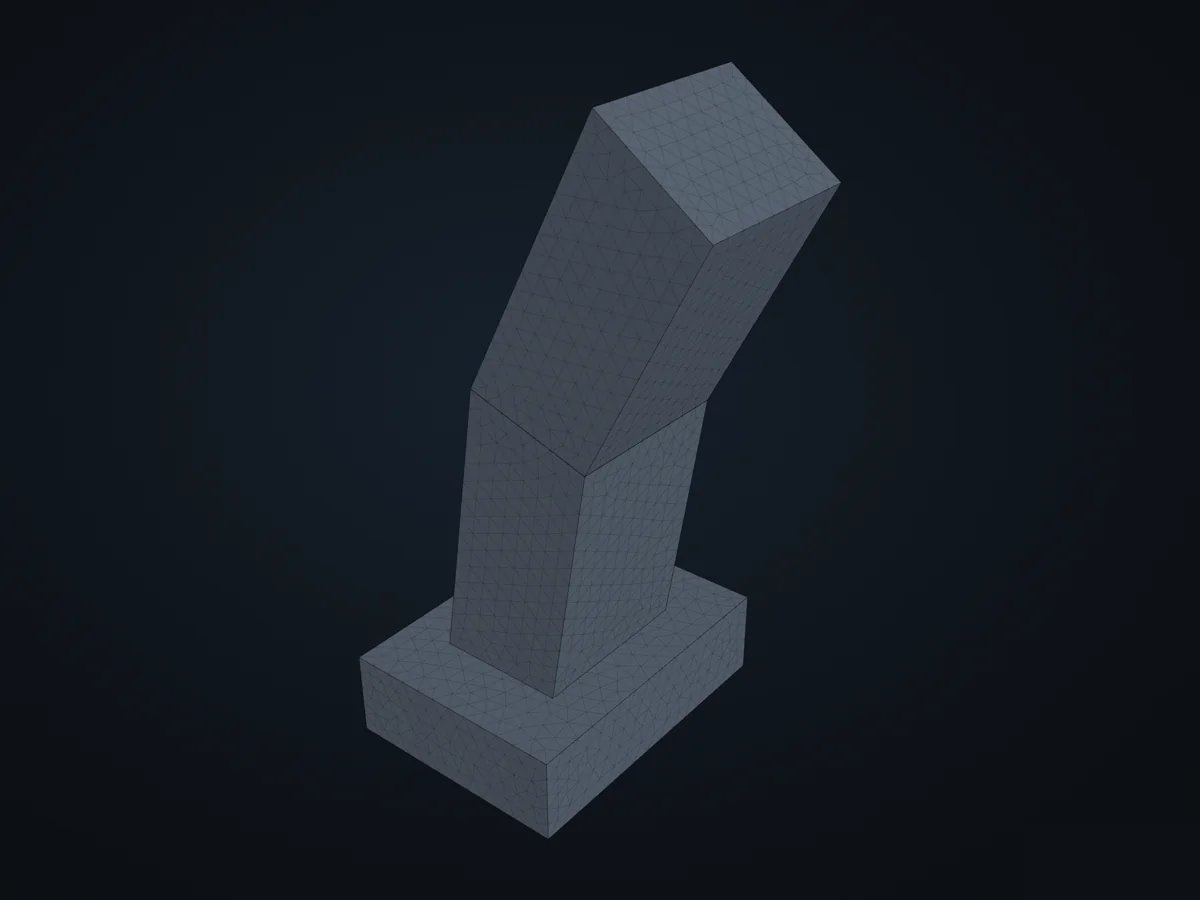
Mesh a CAD assembly in one go. model.add_parts_from_step(path, parts=[...]) meshes each solid of a STEP file
into a part of its own, finer where you say, and coarse along long members.
Naming the geometry, refining the mesh
Section titled “Naming the geometry, refining the mesh”A STEP part has faces, edges and points, each with properties: a plane’s normal, a cylinder’s axis and radius, an
edge’s direction and length. Select picks them by those properties, never by number. A selection names a group
of the meshed part’s nodes, or says where Refine makes the mesh finer:
part.mesh( settings=MeshingSettings(max=8, element_order=2, refine=[Refine(Select.holes(), size=1.5)]), section=SolidSection(material=steel), groups={"base": Select.faces(normal="-z"), "hole": Select.holes()},)model.add_fix_bc(nodes=part.find_group_by_name("base"))xfea.meshing.describe(path) lists the entities and their properties, or what a selection picks. A hole is a
round face with its material away from its axis, going at least half way round: not a pin, not a fillet. See
Meshing for every kind of selection and refinement.
Read a mesh made elsewhere, or build one by hand. model.add_parts_from_mesh(path, parts=[...]) reads Gmsh,
Abaqus .inp, VTK or Salome files, one part per element set. Small models, trusses and test cases are often
quickest by hand: part.add_node(Node(xyz)), part.add_element(TrussElement(nodes=[a, b], section=s)).
Finding nodes and faces
Section titled “Finding nodes and faces”Besides the groups a mesh is given, supports and loads go on nodes found where they are, not by number:
base = part.find_nodes_on_plane(Plane((0, 0, 0), (0, 0, 1))) # every node on a planetip = part.find_closest_nodes_to_point((2000, 0, 0)) # the node nearest a pointedge = part.nodes.subgroup(lambda n: n.x < 1e-3) # any rule of your owntop = part.find_faces_on_plane(part.top_plane) # element faces, for pressuresEach returns a group, accepted wherever nodes (or faces) are: a support, a load, a set to highlight in a picture.
Copies and moves
Section titled “Copies and moves”A meshed part can be copied and moved, so a repeated member is meshed once:
upper = lower.copy()upper.name = "upper"upper.transform(Translation.from_vector([0, 0, 1000]))model.add_part(upper)In the examples
Section titled “In the examples”- A cantilever beam, a shell plate, a solid from geometry: one part of each kind.
- Meshing lines, a surface and a solid, and refining the mesh until the answer settles.
- A STEP assembly.
- Copy and transform parts.
Meshing goes through it step by step; the API reference lists every method of a part.
© 2026 Francesco Ranaudo · Text and pictures CC BY 4.0 · Code Elastic License 2.0 · how to reuse them