
Querying results
Demonstrates how result fields are retrieved and queried through the neutral results API after analysis.
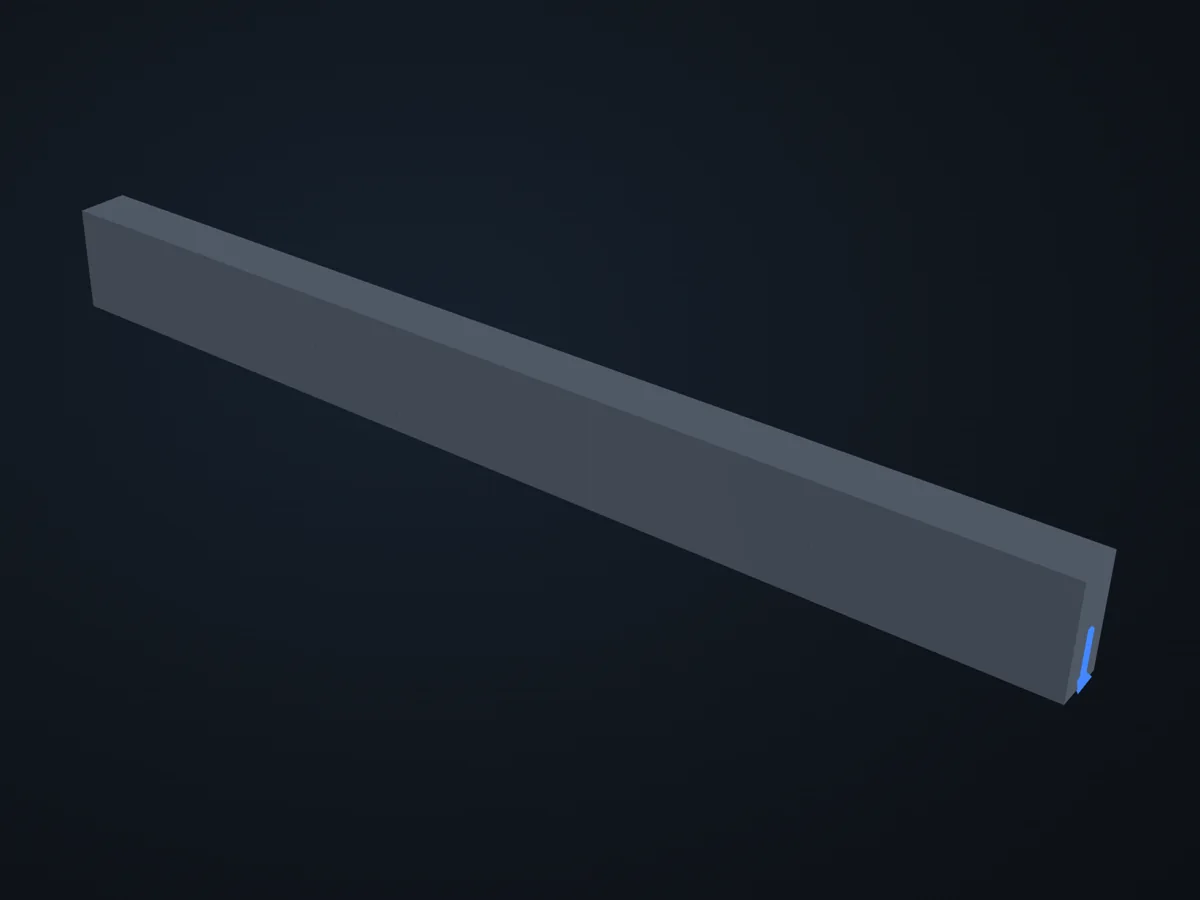
The model before it is solved: its parts, supports (red) and loads (blue).
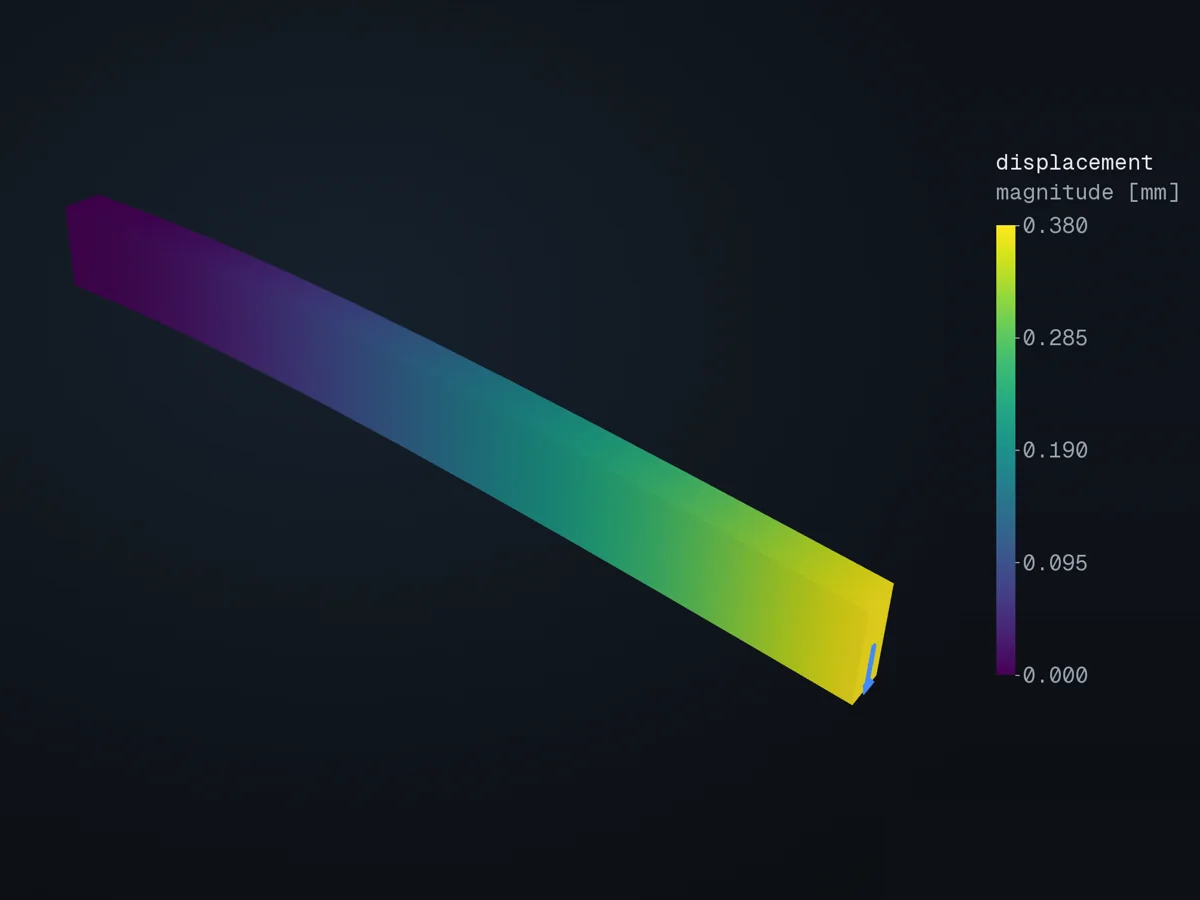
The deformed shape, coloured by displacement (magnitude [mm]), in xfea’s 3D viewer.
Open in 3D turn it, cut it, pick any field: in xfea's viewer, in your browser
The script
Section titled “The script”examples/scripts/02_core_concepts/results/query_results.py. Run it from the repository with uv run python examples/scripts/02_core_concepts/results/query_results.py, or, with xfea-examples installed, xfea-examples run 02_core_concepts/results/query_results.py.
from xfea.problem import Problemfrom xfea.problem import StaticStepfrom xfea.results import DisplacementFieldResultsfrom xfea.results import ReactionFieldResultsfrom xfea_examples import out_dirfrom xfea_examples.models import cantilever_beam_model

tip_load = -1_000  # [N] downward tip force
model, _, tip_nodes, _, _, _ = cantilever_beam_model(name="query_results")
problem = model.add_problem(Problem(name="results_problem"))step = problem.add_step(StaticStep(name="service"))step.add_uniform_forcefield(nodes=tip_nodes, z=tip_load, load_case="service")
disp = DisplacementFieldResults()react = ReactionFieldResults()step.add_field_outputs([disp, react])
problem.analyse_and_extract(path=out_dir(model.name), verbose=True)
print(f"Minimum displacement in z: {disp.get_min_result('z').z}")print(f"Maximum displacement in z: {disp.get_max_result('z').z}")print(f"Maximum reaction in z: {react.get_max_result('z').z}")© 2026 Francesco Ranaudo · Text and pictures CC BY 4.0 · Code Elastic License 2.0 · how to reuse them